
The wearable Copilot for field crews.
Plix records each job from your technician's point of view, checks the work against your standards and answers questions on the spot.
Used every day by thousands of field workers









From your playbook to better work in the field.
Plix learns how your team works, guides technicians on the job and helps managers coach to a consistent standard.
Your documents and example jobs become the steps it checks for on each type of job.
Set your standard
Share your SOPs, checklists and examples of jobs done right. Plix learns what good work looks like and what your team should be doing on every job.
Guide techs in the field
Technicians wear Plix on their normal routes. They can ask questions and get guidance on site, with reminders to help them follow the right steps.
Understand every job
Plix captures the work and checks it against your standards. Managers can see what went well, where steps were missed and what happened on the job.
Coach with context
Review the clips behind each job, recognize good work and address missed steps. Give technicians specific feedback they can put into practice on the next job.
One platform. Two ways to wear it.
Choose the camera that fits the work. Both connect to the same platform, so managers can review footage, job performance and reports across the entire team.
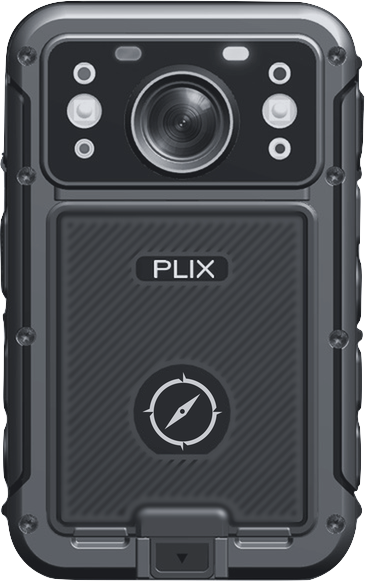
Plix X1
Keep a record of every interaction.A chest camera for customer-facing work and patrols, with clear footage day or night.
Wear it on a chest harness, a magnetic mount or a clip.
Plix X2
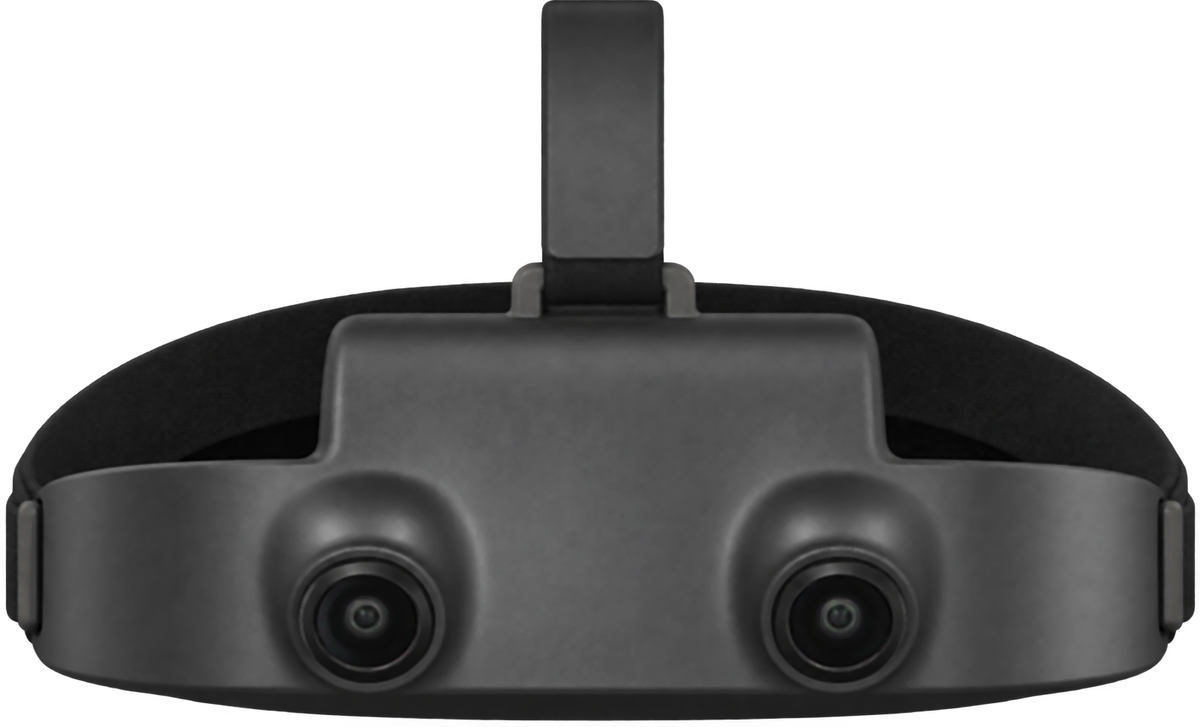
See the work, hands-free.A head-mounted camera that captures hands-on work from the technician's point of view. Built for crews who need both hands free.
Wear it on a head strap, a cap or a hard hat.
Integrates into the tools you already use.
Jobs and service addresses flow in from the software you already run. Recording starts at the job site, and footage and reports land back on the job record.
 Fieldster
 FieldRoutes
 ServiceMinder
 RealGreen
 ServiceTitan
 Housecall Pro
 Jobber
 TekmetricFieldsterFieldRoutesServiceMinderRealGreenServiceTitanHousecall ProJobberTekmetric
Your data, connected to your workflow.
Bring Plix data into your existing systems with the Plix API, including recordings, device status, live GPS, alerts, and reports. Use the Plix MCP server to give AI assistants and agents access to the same data.
From the crews using it.

“Auto-recording, AI service checks, and live view have been a game-changer for our team.”
Abe Hanna, Operations Manager, Gecko Green

“We’re easily saving anywhere from 30 to 60 minutes per incident review because Plix tells us where incidents happen, no need to watch hours of footage.”
Jose Lopez, Site Supervisor, PalAmerican Security
See Plix on a real job.
See how Plix works in the field, from hands-free guidance to job review.